
What Greene County Court Dockets Show
A docket is the case activity log. In Indiana MyCase, it usually appears as the chronological case summary, often called the CCS. For Greene County court dockets, the CCS can show filing dates, event descriptions, hearing settings, notices, motions, orders, warrants, payments, judgments, sentences, and other case actions. It helps a reader answer practical questions: when was the case filed, which court has it, what happened last, is a hearing set, and has a final outcome been entered.
The docket is not the whole file. A docket entry may say that a motion was filed or an order was issued, but the document itself may or may not be linked online. If the document is not linked in MyCase, the entry can still prove the event occurred. The full document may need to be requested from the Greene County Clerk of Courts if it is public and available for copy.
- Chronological Case Summary
- The Indiana docket log listing filings, hearings, orders, notices, and court actions in date order.
- Disposition
- The outcome of a case, claim, charge, or motion after the court acts.
- Continuance
- A postponed hearing, deadline, or court setting.
- Cause number
- The Indiana case number used to identify the docket and case file.
Find Greene County Dockets Online
Greene County court dockets are searched through Indiana MyCase. The Indiana Judicial Branch local page for Greene County courts points users to MyCase for case search, and the official Odyssey list confirms that Greene Circuit Court and Greene Superior Court are Odyssey courts. That matters because MyCase draws its public information from Odyssey courts, not from a separate Greene County docket website.
- Open MyCase and choose a case, party, or attorney search mode.
- Search by cause number when possible, or use a party name, citation number, or cross-reference number.
- Narrow by Greene Circuit Court or Greene Superior Court if the results include courts outside Greene County.
- Open the matching case and read the chronological case summary for docket events.
- Contact the Clerk of Courts when an entry points to a public document that is not linked online.
MyCase public access is broad but not unlimited. It may show docket entries for a public case while holding back documents that are not public online. It may also omit confidential, sealed, expunged, juvenile, adoption, and certain protection-order information. A docket result is a strong research tool, but official copies and copy certifications still come from the maintaining court or Clerk.
Greene County Docket Entry Fields
The research did not capture a live Greene County sample case, but the state descriptions and MyCase field guidance identify the common docket fields that appear in public case records. A docket should be read line by line. Some entries are case events, some are payments, some are scheduled hearings, and some are notices that a document exists elsewhere in the case file.
| Field | What It Shows |
|---|---|
| Entry date | The date the court, Clerk, or filer entered the docket event. |
| Event description | The filing, order, notice, hearing, payment, warrant, judgment, sentence, or other action. |
| Party or filer | The party, attorney, Clerk, prosecutor, or court actor linked to the event when shown. |
| Hearing information | The hearing type, court, judicial officer, date, and time if a setting is public. |
| Document link | A public online document link if MyCase makes that document available. |
| Financial entry | Fines, costs, payments, credits, or balances, subject to Clerk verification. |
| Disposition entry | The outcome of a charge, claim, motion, or case when the court enters it. |
The Access to Court Records Rule 5 page is one source for why a docket can show less than the full story.
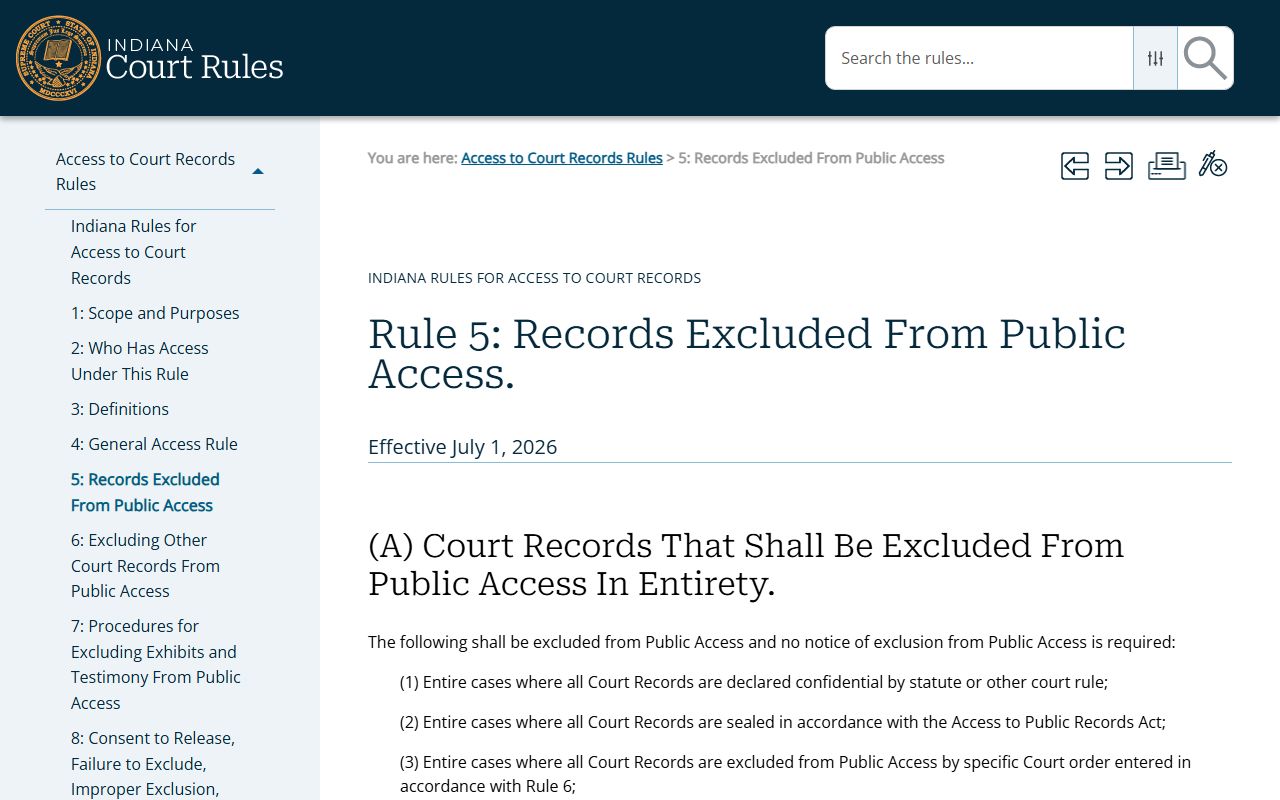
Rule 5 exclusions can affect docket visibility, document access, or both, depending on the case type and record.
Greene County Courts With Dockets
Greene County has two local trial courts plus a magistrate who assists the courts. The Indiana court structure places Greene County in Judicial District 20 with Greene, Lawrence, Monroe, and Owen counties. No separate Greene County city or town court was found in the Indiana court directory, so the practical local docket search centers on Circuit Court and Superior Court through MyCase.
| Court or Office | Docket Role | Common Case Types |
|---|---|---|
| Greene Circuit Court | Trial court docket | Juvenile, adoption, guardian, estate, and assigned civil or criminal matters. |
| Greene Superior Court | Trial court docket | Small claims, evictions, infractions, minor offenses, misdemeanors, Level 6 felonies, and OWI matters. |
| Magistrate Court | Assisting docket work | Assists Circuit and Superior Courts with caseload under local practice. |
| Clerk of Courts | Records and copies | Maintains filings, copies, certifications, and the public records counter. |
The Odyssey courts list documents Greene Circuit Court and Greene Superior Court as Odyssey courts.
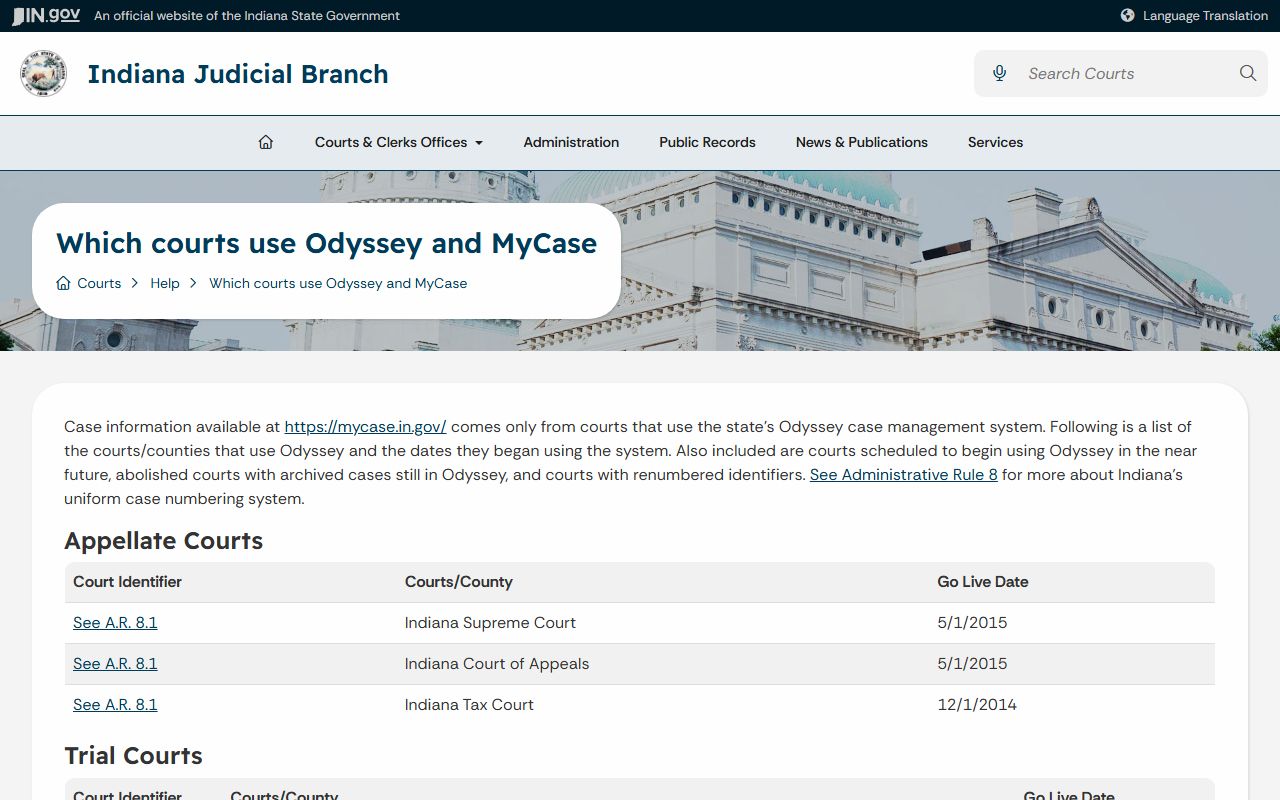
Because both local trial courts are Odyssey courts, MyCase is the common public docket channel for modern Greene County cases.
Greene County Dockets vs Records
A docket is the index of case events. A court record is the broader file. In a Greene County civil case, the docket may list the complaint, service return, motion, order, judgment, and satisfaction entry. The full court record may include the complaint itself, exhibits, proposed orders, notices, and other filed documents. In a criminal case, the docket may show initial hearing, bond, plea, hearing, disposition, and sentencing entries, while the full file may include charging documents and written orders.
| Point | Docket | Full Case Record |
|---|---|---|
| Format | Date-ordered list of case events. | Case file with pleadings, orders, notices, and linked or copied documents. |
| Best use | Track status, hearings, and outcomes. | Review exact filings, certified orders, and complete public documents. |
| Access | Often visible in MyCase for public cases. | Some documents are online, while others require Clerk contact. |
| Official copy | Docket printouts may help research. | Certified copies come from the Clerk or court maintaining the record. |
For broader case-file details, the main Greene County court records page explains record types, public access rules, and Clerk copy channels.
Public Access to Greene County Dockets
Public docket access follows the same access framework as court records. Indiana Access to Court Records Rule 4 provides the general rule for public court-record access, while Rule 5 excludes specific cases, records, or information. The state excluded-records guidance gives practical categories for court users and filers.
Indiana's Access to Public Records Act also matters when the needed item is an agency record rather than a court docket entry. Greene County's APRA request form says a request must identify the record with reasonable particularity, and the agency is not required to create a new record. For court docket entries, though, MyCase and the Clerk are the direct access path.
Note: A public docket entry does not mean every linked paper, exhibit, or identifier is public online.
The Indiana Office of Court Services excluded-records guidance explains common public-access limits.
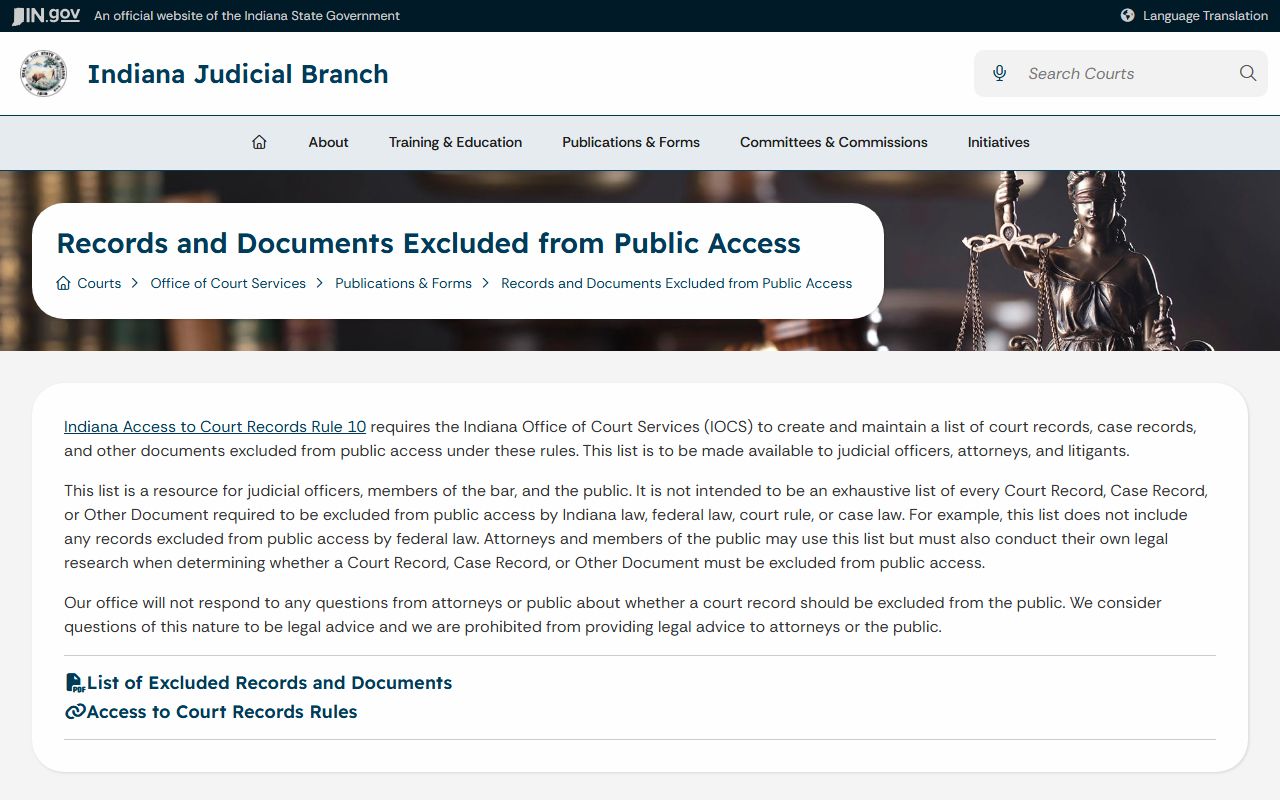
Those limits are why some Greene County docket searches show a case shell or event line without public access to the underlying document.
Read Greene County Court Dockets
Read Greene County court dockets from the oldest entries to the newest entries when trying to understand case history. The first entries usually identify the filing, court, parties, and case type. Later entries may show service, hearing notices, motions, continuances, orders, payments, and final disposition. In criminal matters, the docket can track charges, bond, initial hearing, plea, trial setting, sentencing, probation, fines, costs, and restitution. In civil matters, it can track complaint, summons, service, motion practice, judgment, collection, and satisfaction.
Do not treat a single docket line as the full legal result. A charge can be amended. A hearing can be continued. A judgment can be satisfied later. A payment balance can lag behind the most recent payment. If a docket entry affects a deadline, court appearance, fine, sentence, or legal right, confirm it with the Greene County Clerk of Courts or the court before relying on it.
Greene County docket review is also useful for choosing the right follow-up office. Hearing-setting questions belong with the court listed on the case. Copy and certification questions belong with the Clerk of Courts. Traffic-payment questions may involve the Superior Court or Clerk, depending on whether the person is admitting, denying, or seeking a trial date. Public-record requests are better suited to agency records or uncertain routing, not to replacing the normal MyCase and Clerk path for court docket access.
The state APRA statute page is one source for public-record request rules outside ordinary court docket lookup.
APRA helps with agency records, while MyCase and the Clerk remain the primary routes for Greene County court dockets.